-
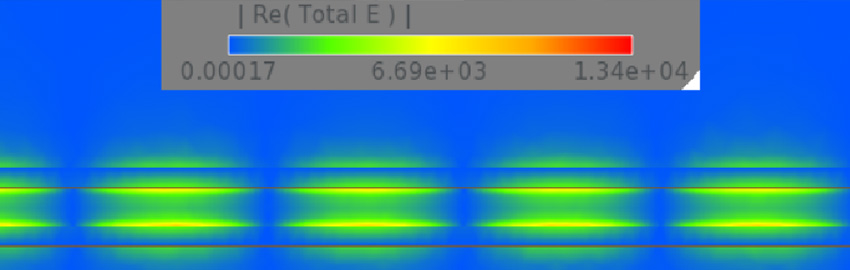
Breaking the 100GHz Barrier
Breaking through the 100GHz bandwidth limit for coplanar waveguide design. READ MORE...
-
ICT vs. Flying Probe
Effective factory testing is essential for delivering reliable products. READ MORE...
-
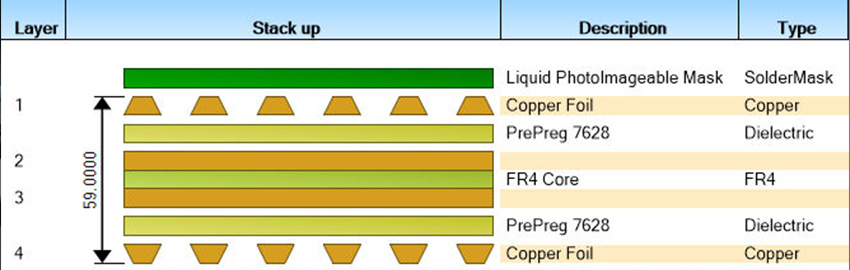
PCB Stackups: A Brief History
The evolution of layer stackups. READ MORE...
-

Using Ultra HDI Where Needed
Applying UHDI only where density and performance demands require it. READ MORE...
-

How to Validate PCB Backdrilling
How to specify and monitor PCB backdrill requirements. READ MORE...
-
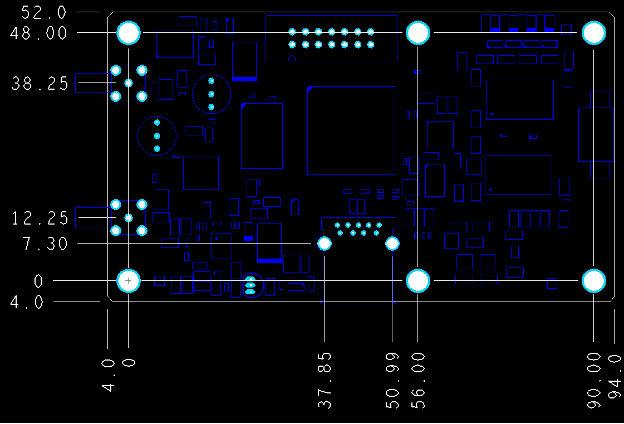
Tolerances and Dimensions for PCB Fabrication
The tolerances decide what actually ships. READ MORE...
Homepage Slideshow
Breaking the 100GHz Barrier
Breaking through the 100GHz bandwidth limit for coplanar waveguide design.
ICT vs. Flying Probe
Effective factory testing is essential for delivering reliable products.
PCB Stackups: A Brief History
The evolution of layer stackups.
Using Ultra HDI Where Needed
Applying UHDI only where density and performance demands require it.
How to Validate PCB Backdrilling
How to specify and monitor PCB backdrill requirements.
Tolerances and Dimensions for PCB Fabrication
The tolerances decide what actually ships.


 The Summary Drawing Report in OrCAD X compiles key PCB layout metrics to support design accuracy checks.